Not another generic scheduling app.Booking software that thinks like an artist, not a spreadsheet.
Requests, chats, calendar and deposits — all in one place.


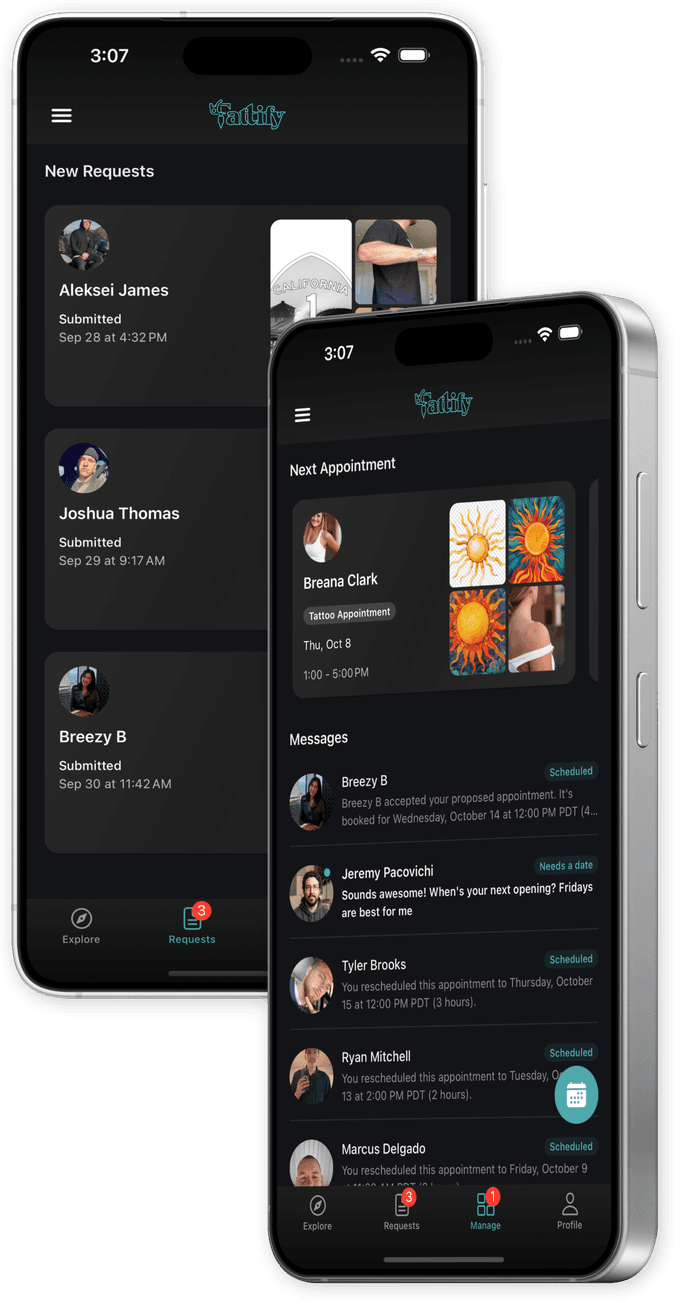
Your request pile is out of control.
A full day at the shop. Then hours more going through direct messages — the same twenty or thirty questions, asked one at a time, for every single person.
That’s not a scheduling problem. That’s hours of unpaid work, every night.
Qualified clients struggle to find you.
Posting your work and hoping the algorithm shows it to the right person isn’t a strategy.
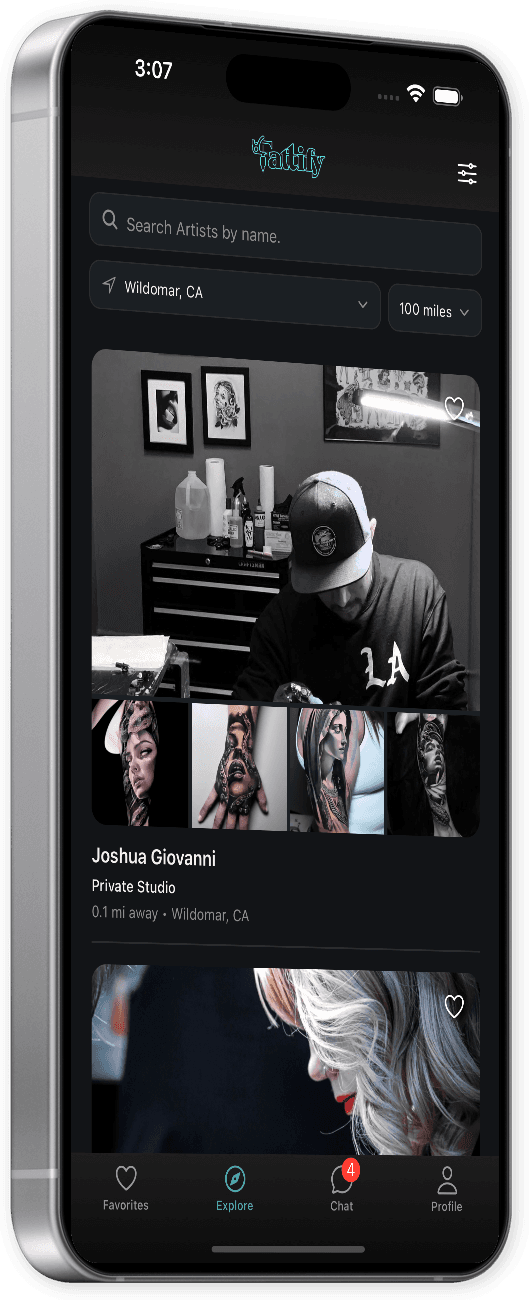
Tattify puts your portfolio in front of clients who are searching — sorted by distance, filtered by style.No algorithm, no luck required.
Requests
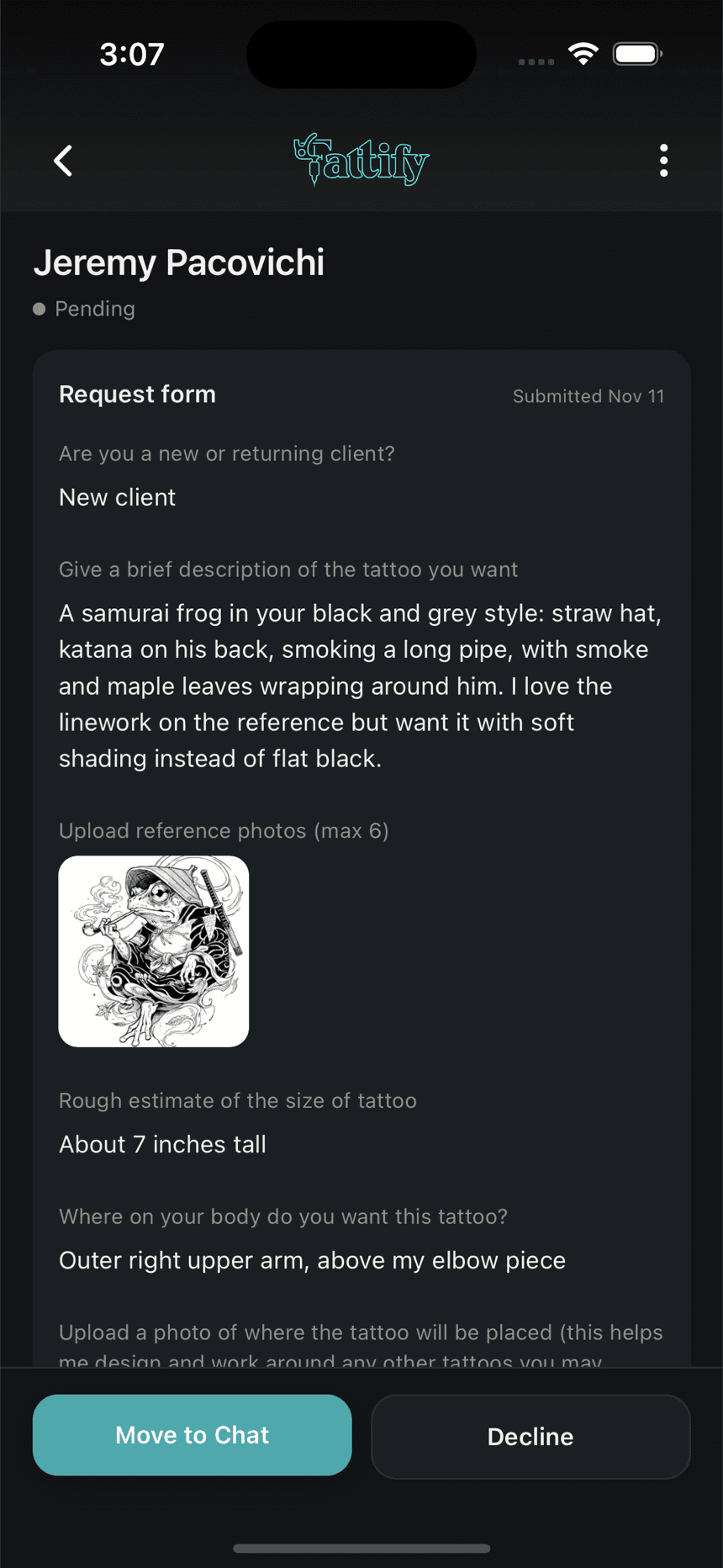
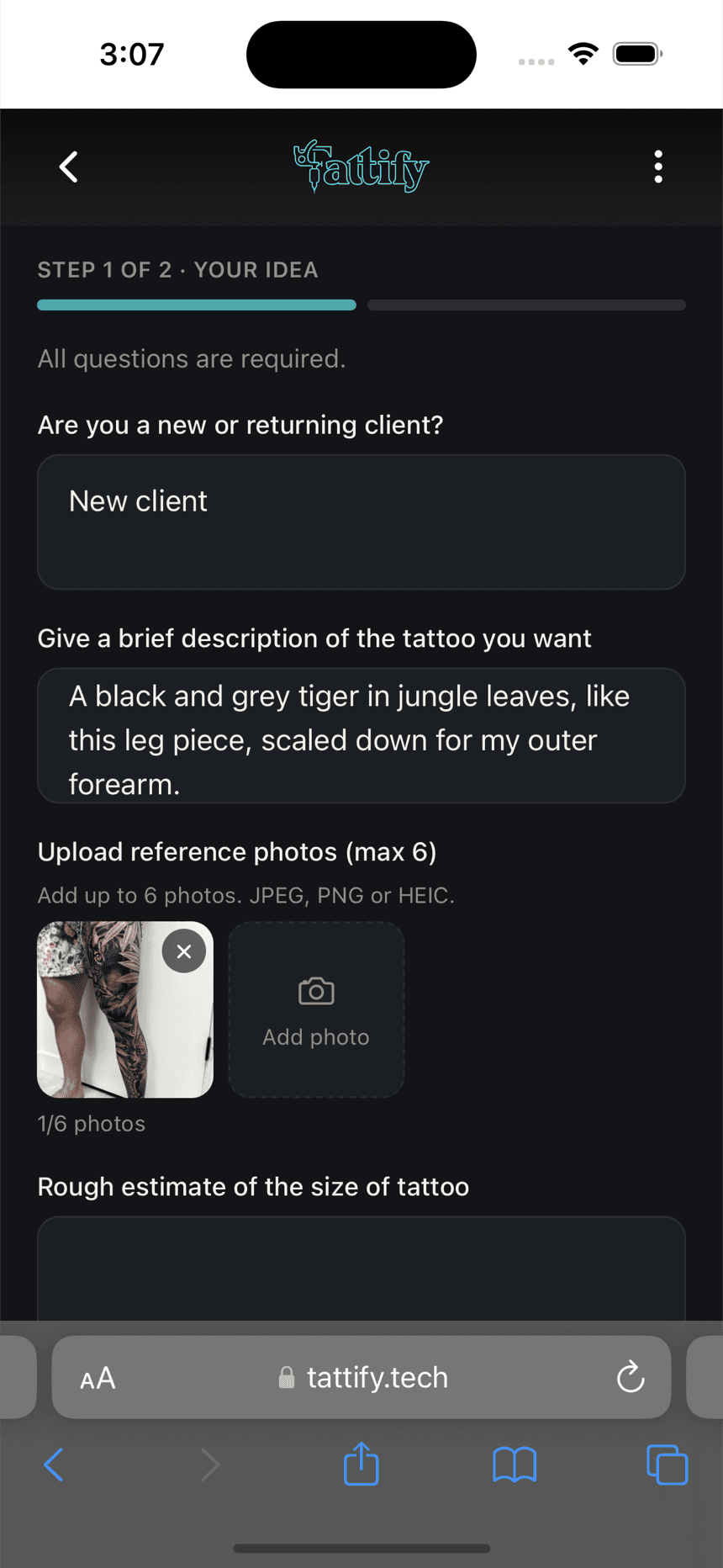
One complete request, not thirty messages.
Thirty questions, one at a time
- Your questions, asked once
- Build your own request form once — every question you'd normally ask, one time. From then on, every inquiry that lands in your queue already has the answers.
- Get your evenings back
- Everything you need to quote arrives in one request. No more nights lost to DMs.
Deposits
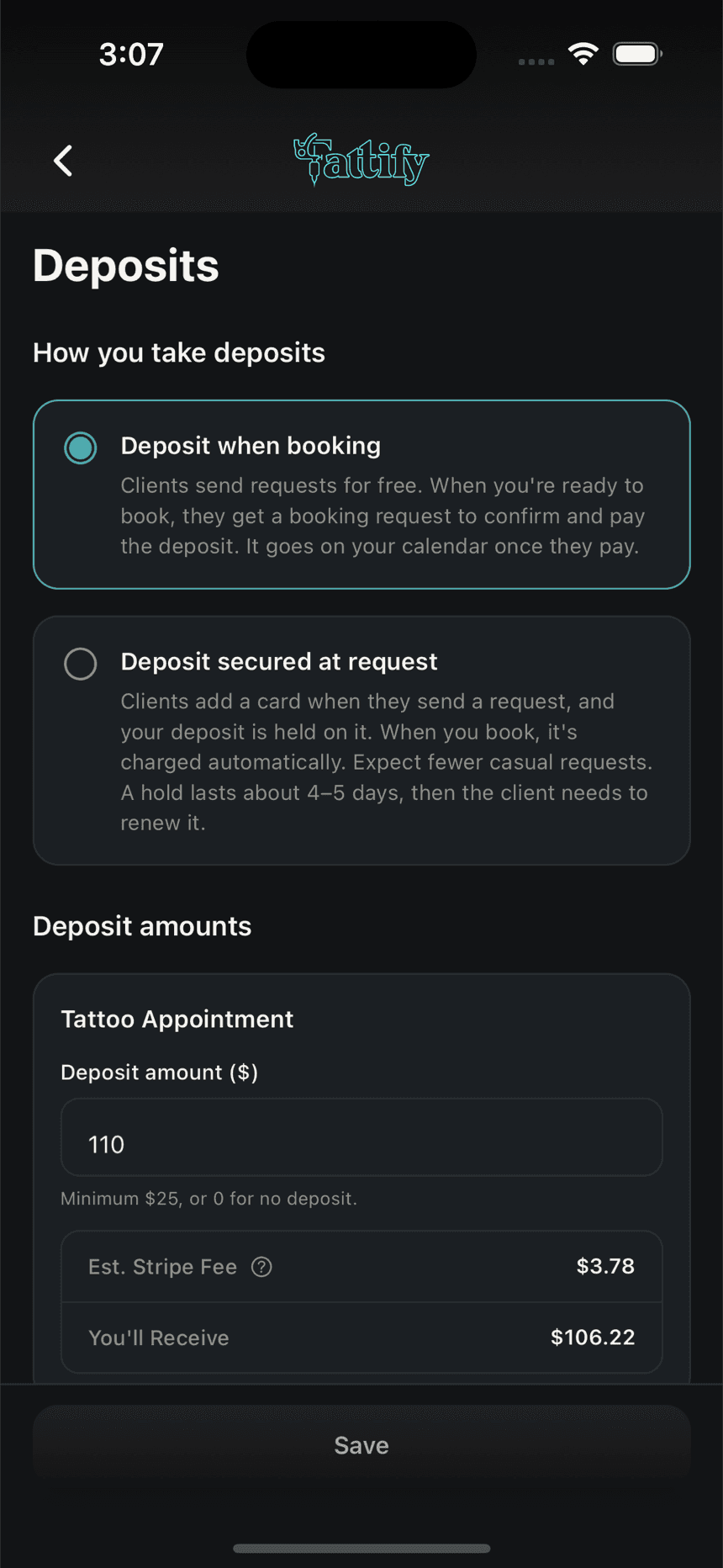
Deposits, your way.
You set the amount. You choose how it’s secured.
Deposit when booking
Sending a request and chatting are always free. When it's time to book, you pick the date and send a booking request, and they pay your deposit to lock it in.
Best if you like to talk the piece through before money comes up.
Deposit secured at request
A hold for your deposit goes on the client's card when they send a request. Nothing is charged until you book them.
Helps filter out flaky clients. Every request is backed by a card.
Don’t take deposits? Set it to $0.
No-shows don’t cost you
We know your time isn’t free. If a client cancels or doesn’t show, you keep the deposit.
Chat
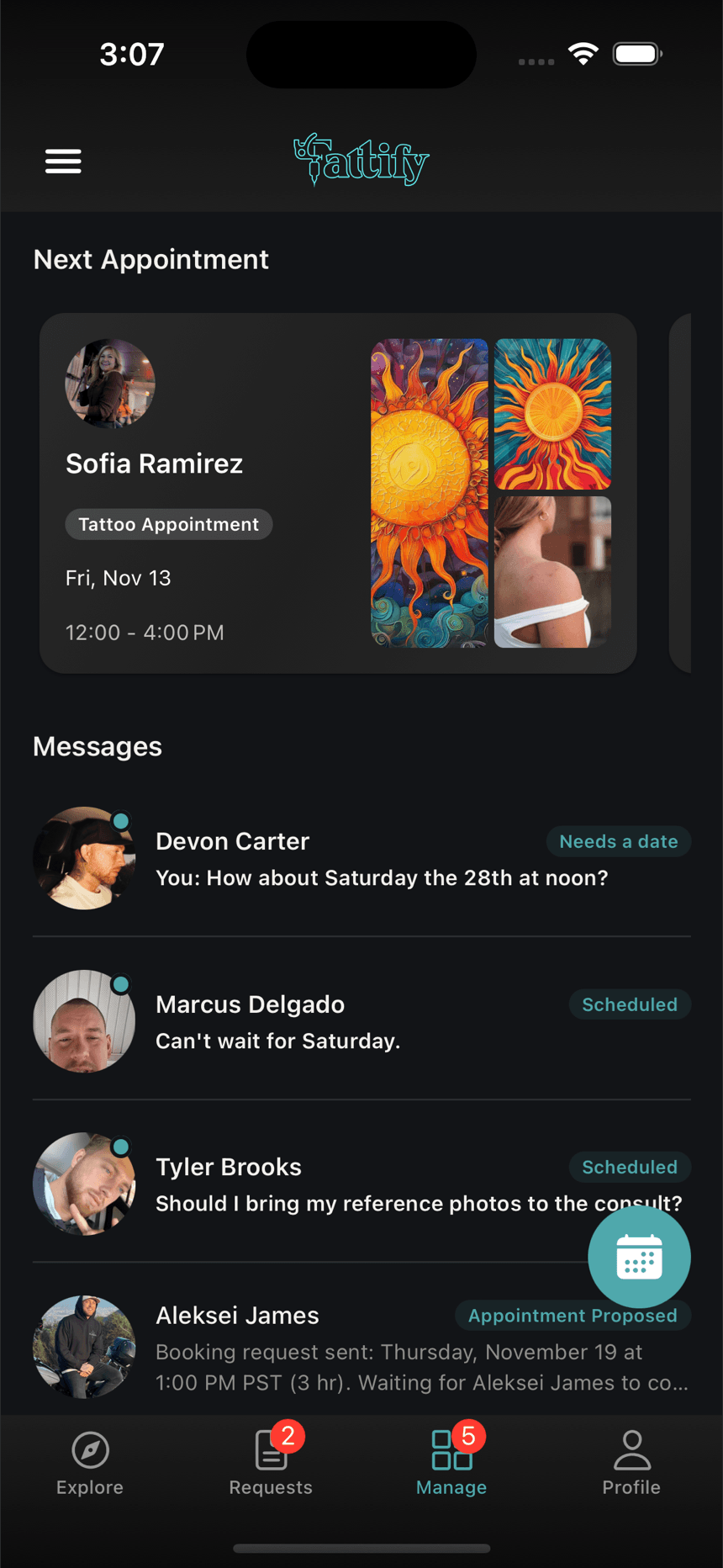
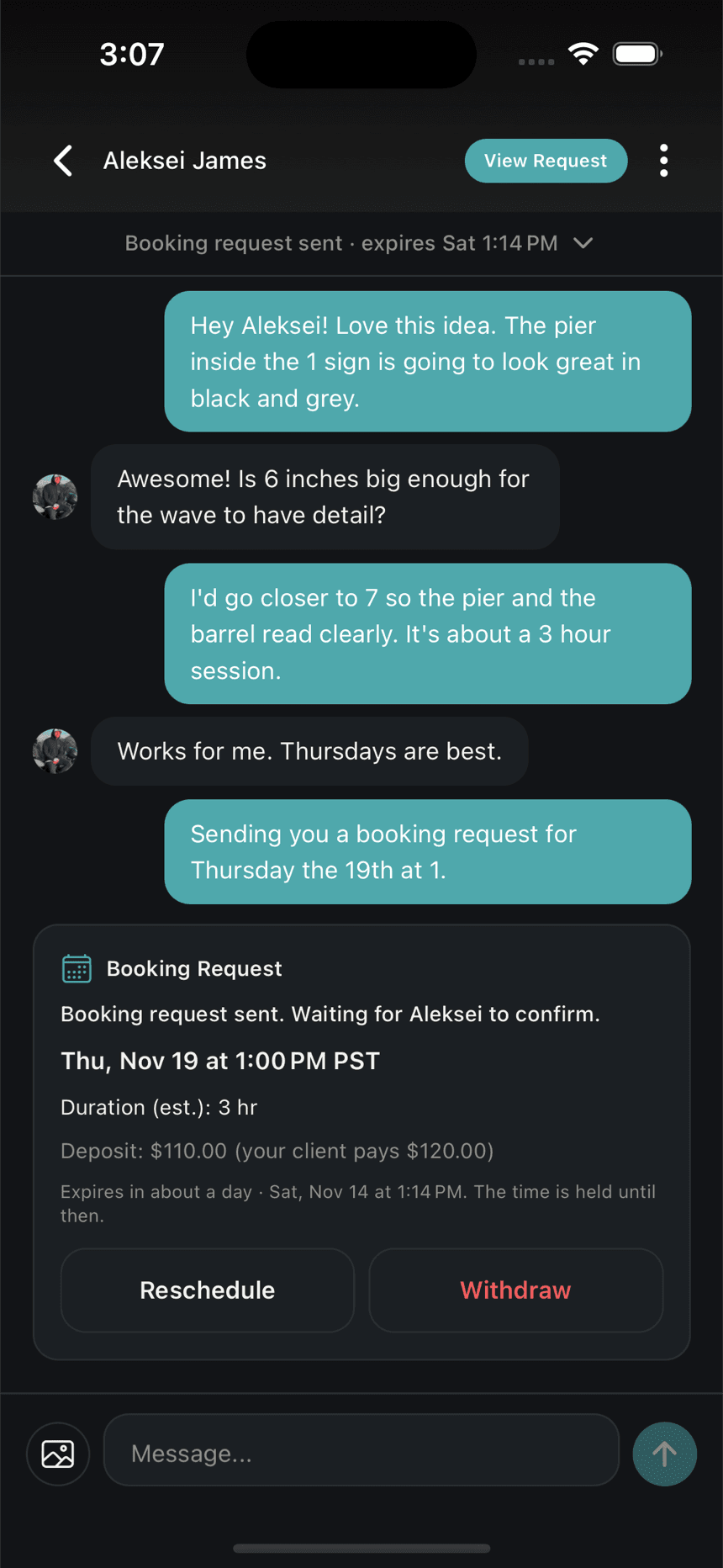
Every client, every conversation, in one place.
- One chat for every request — no more digging through your DMs to find one conversation.
- Every conversation tagged with where it stands: needs a date, appointment proposed, scheduled.
- Booking requests, reschedules and appointments live right in the conversation.
Calendar
Your calendar, actually under control
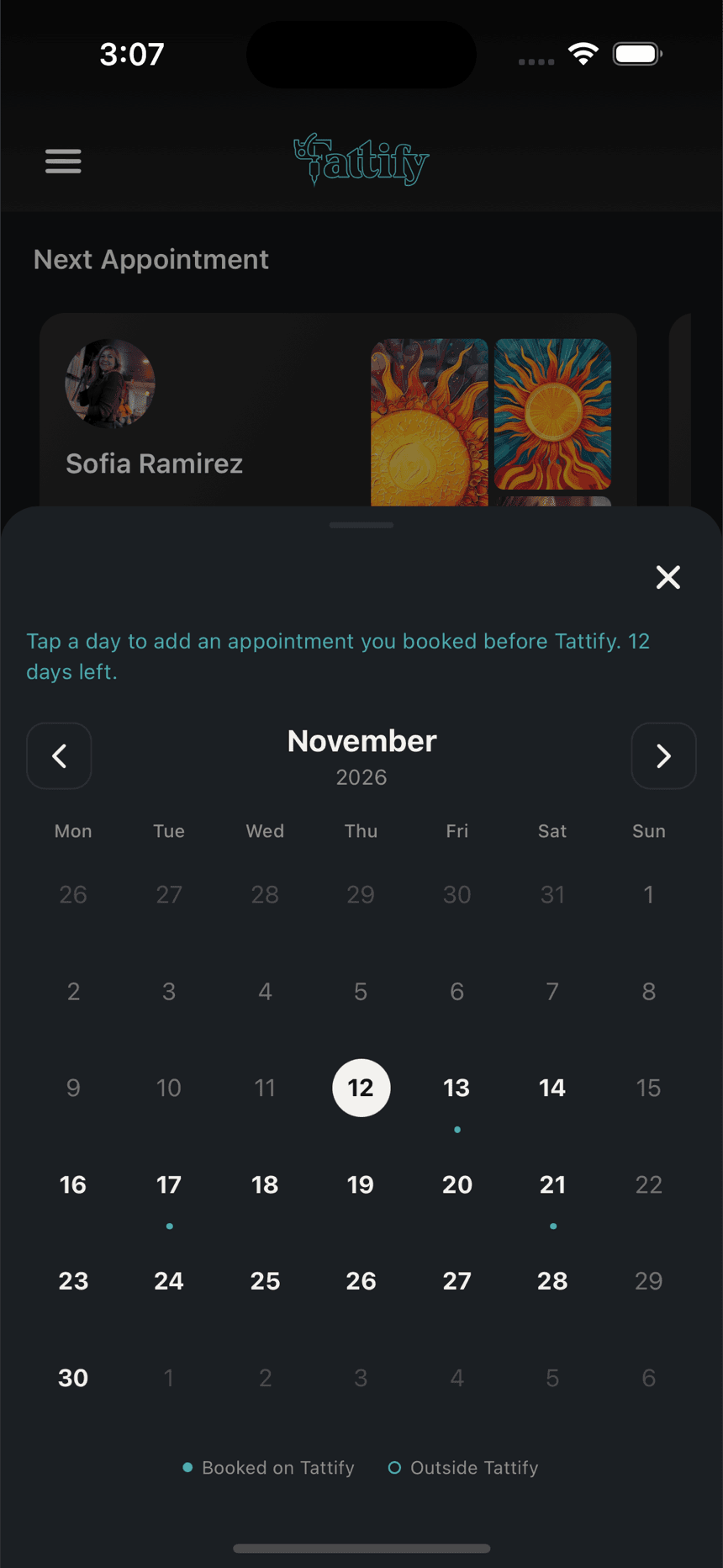
- Built-in scheduling that won't double-book you.
- Set your weekly days off and block out time away in seconds.
- Reschedules that stay clean — the deposit moves with the appointment.
- For 14 days after you go live, bring in the appointments you booked before Tattify, so your whole calendar is in one place.
Your booking link
From your bio to booked.
Put your link in your Instagram bio, or let people scan your QR code. Your clients can see your work, send a request and pay right in their browser — without downloading the app.
- 3:07joshuagiovanni
Joshua Giovanni
Tattoo artist · Wildomar, CA
214
posts
12.4K
followers
318
following
Black & grey realism and portraits. Books are open.
tattify.tech/@yournameRequest an appointmentFollowMessage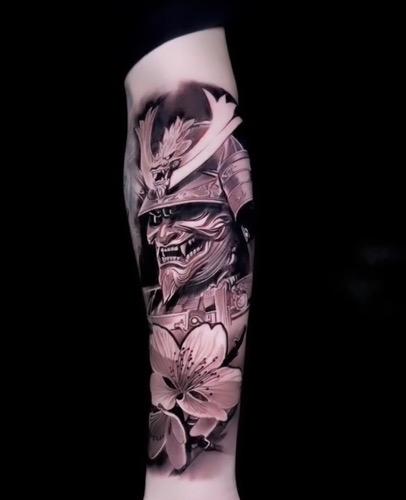
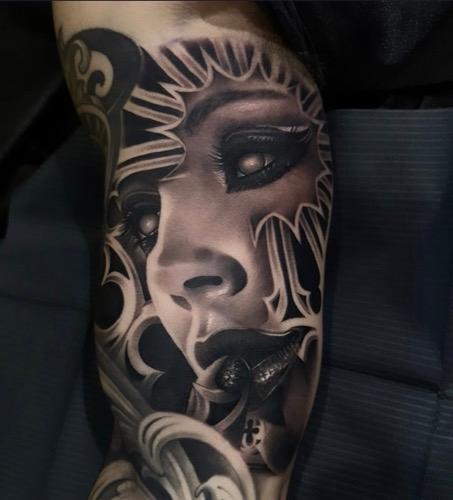
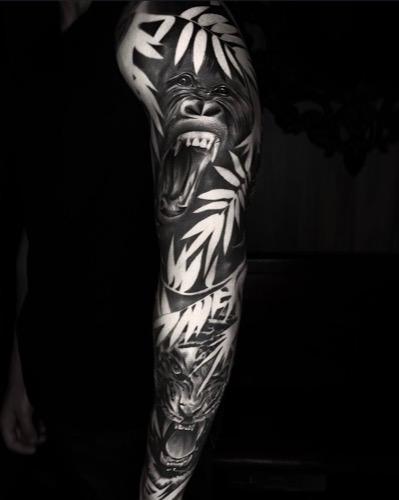

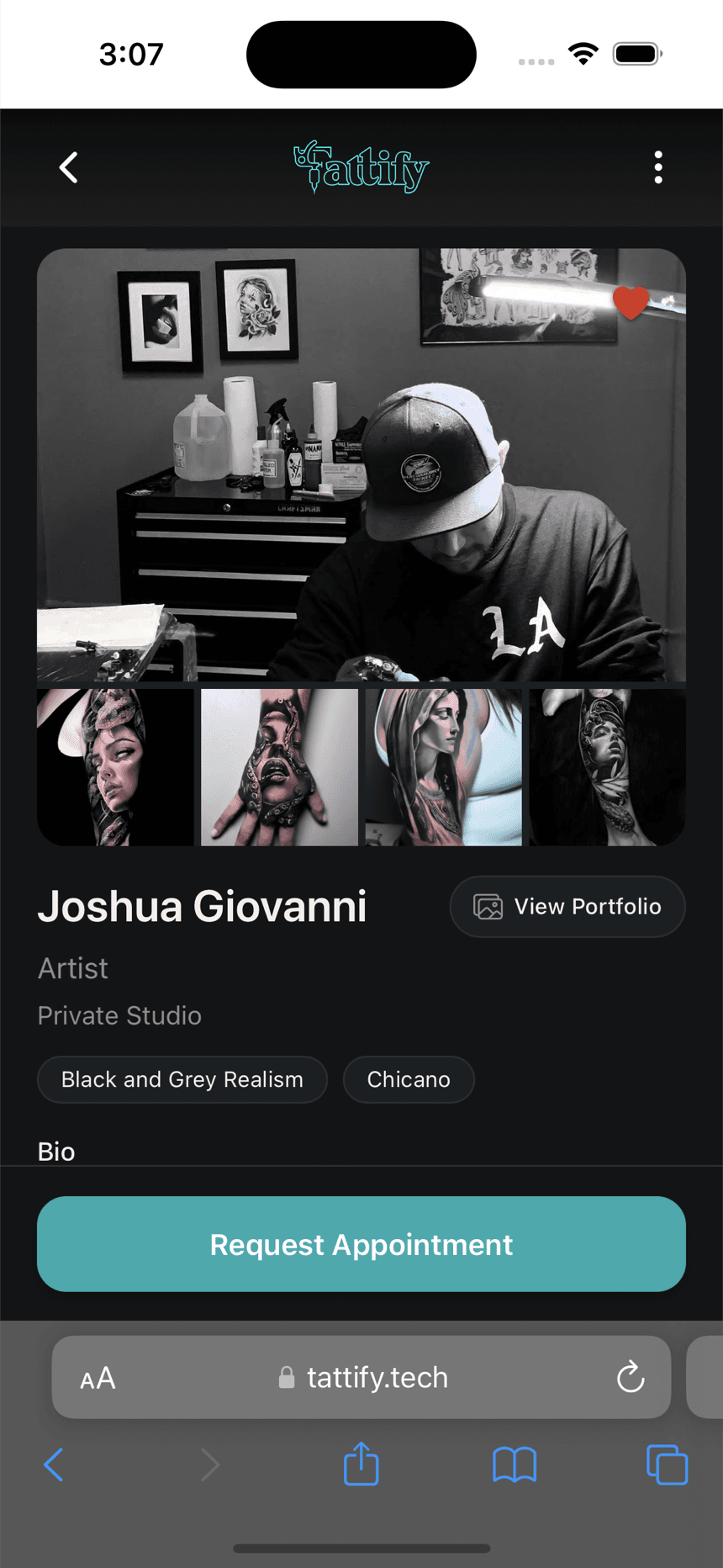
Your profile
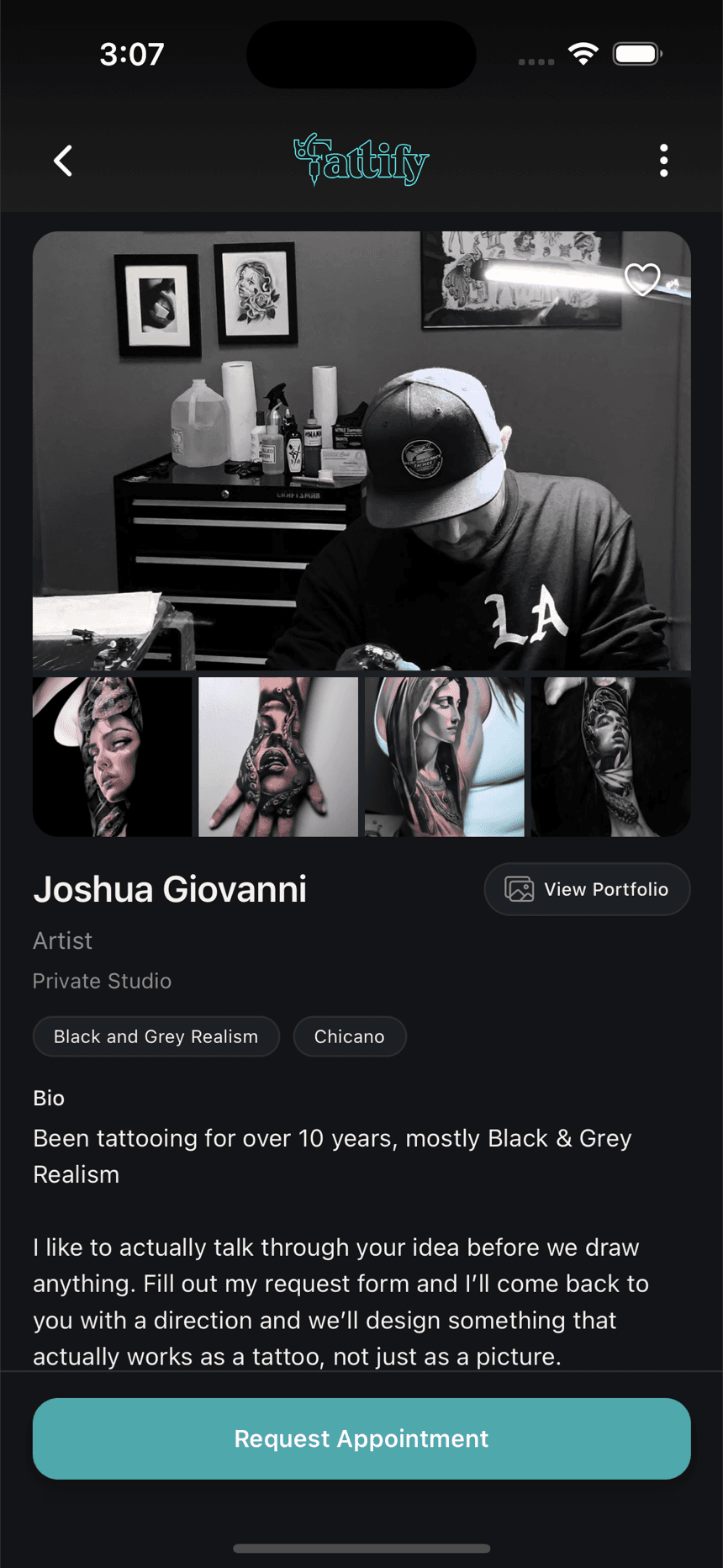
A profile that gets you found.
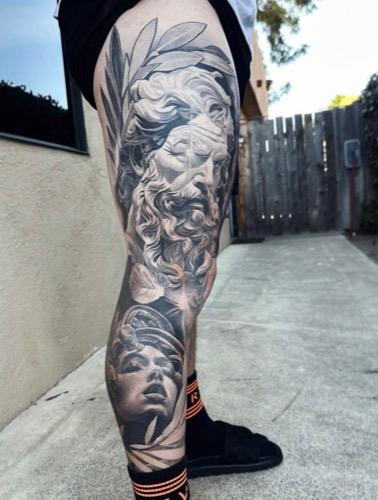
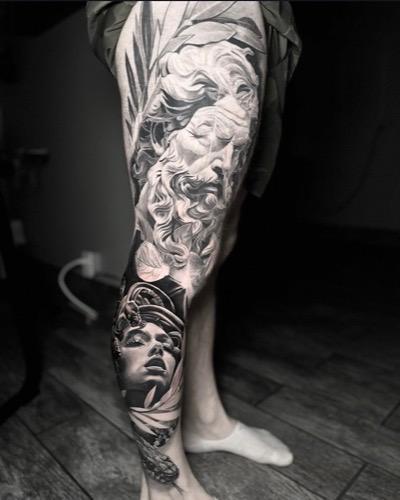
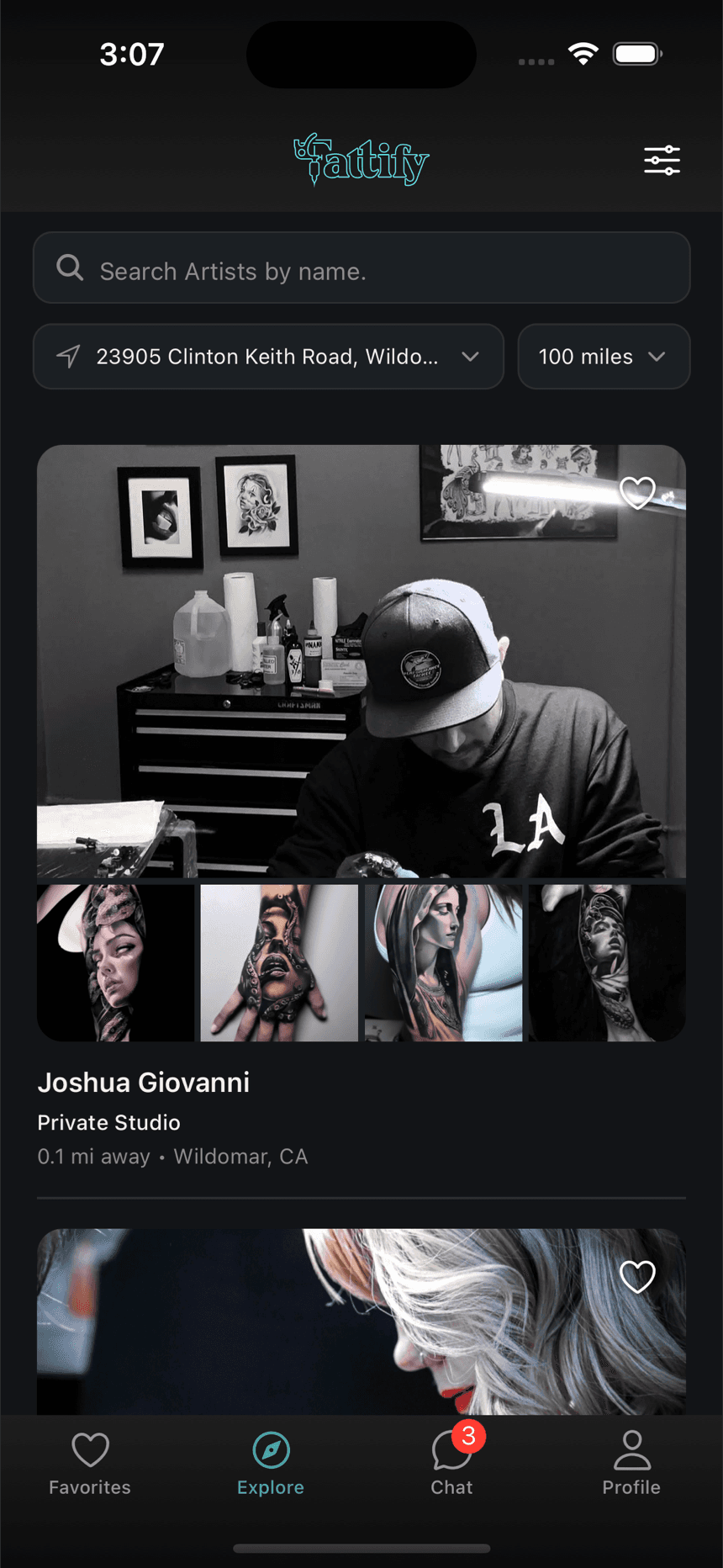
- Clients find you in Explore, sorted by distance and filtered by style.
- Your best work, organized and easy to browse — not buried in a feed.
- An optional license verified badge on your profile.
- Books full? Turn off Taking new requests. You stay visible, and clients can tap Notify me to hear when you open again.
Payments
Get paid, without the paperwork
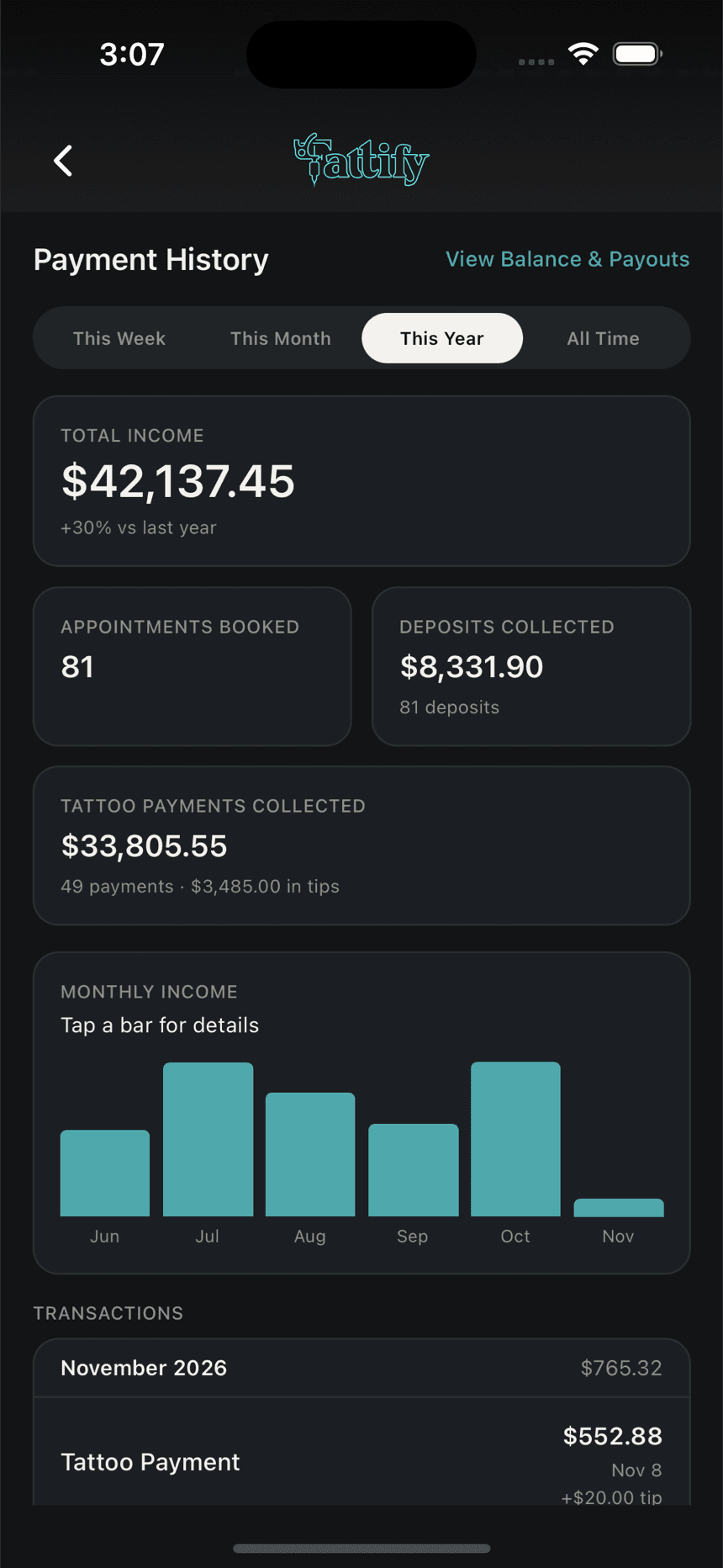
- Charge for the tattoo in the app if you want — tips included, no card reader needed.
- Payouts go to your bank automatically.
- A real, accurate record of what you've earned and what's still coming — no more guessing.
What it costs
- No subscription
- No monthly fee and nothing to pay to sign up.
- Clients pay Tattify's platform fee
- $10 on each payment, built into the price your client sees.
- Card processing
- Stripe's processing fee on each payment comes out of what you receive.
The processing rates are in section 6 of the Artist Agreement.
We didn’t guess what artists need — we asked them.
Tattify is live on the App Store and Google Play.
Download the app, set up your profile and connect payouts. Once payouts are connected, clients can find you and send you requests.